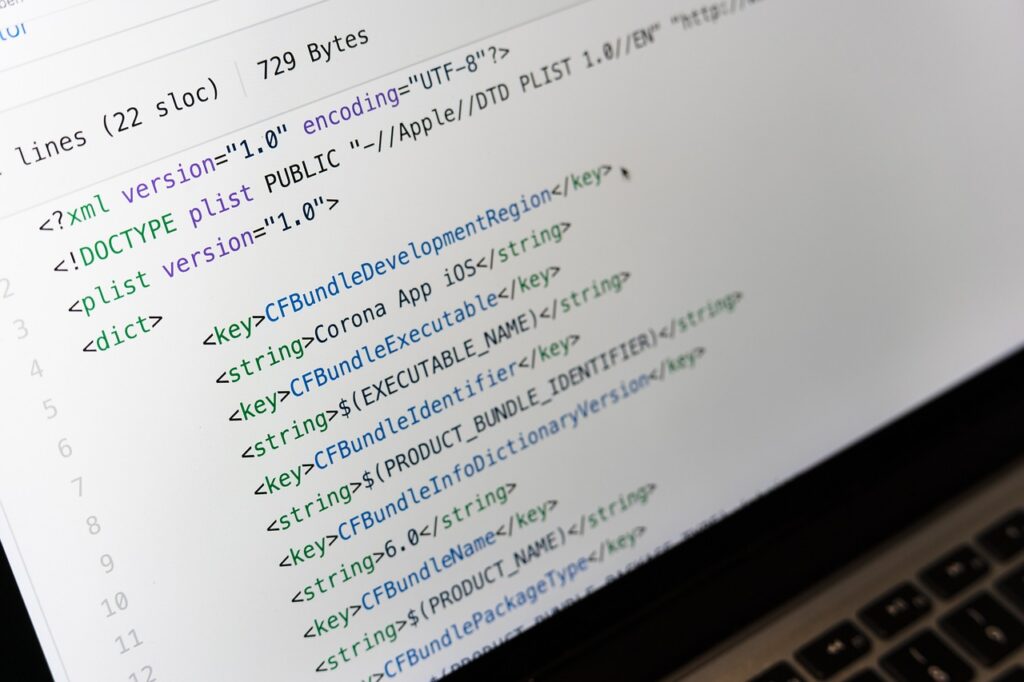

For many beginners, discovering GitHub can be a turning point in their coding path, opening doors to a world of collaborative coding, version control, and open-source projects. Before GitHub, managing code revisions and collaborating with others could be cumbersome and disorganized. However, with GitHub, developers can now efficiently manage different versions of their code, collaborate with others in real-time, and contribute to projects worldwide. Here’s the key thing to understand: GitHub isn’t just a tool; it’s a community and a methodology that can elevate coding from a solo activity to a collaborative, dynamic process. Most people miss this aspect, focusing solely on the technical aspects without exploring the full potential of GitHub’s social and collaborative features.
📝 What You'll Learn
Breaking Down GitHub
GitHub is a web-based platform for version control and collaboration on software development projects. It allows developers to host and manage their code, track changes, and collaborate with others. At its core, GitHub is built around Git, a version control system that helps track changes in code over time, making it easier to revert back to previous versions if something goes wrong. The platform offers a range of tools and features that support the entire software development lifecycle, from coding and testing to deployment and management.
| Term | Plain-English Meaning |
|---|---|
| Repository (Repo) | A central location where all the files for a project are stored. |
| Commit | A snapshot of changes made to the code, including a description of what was changed and why. |
| Push | The act of uploading local changes to a remote repository on GitHub. |
| Pull Request | A request to merge changes from one branch into another, often used for code review. |
| Branch | A separate line of development in a repository, allowing for independent work without affecting the main project. |
| Merge | The act of integrating changes from one branch into another, combining the work done in both. |
Why GitHub (common mistakes) Matters
Understanding GitHub and avoiding common mistakes is crucial for any developer looking to collaborate effectively, manage code versions efficiently, and contribute to the open-source community. Over 40 million developers use GitHub, and it hosts more than 100 million repositories, including projects from renowned companies like Facebook, Twitter, and Google. For individuals, GitHub provides a platform to build a portfolio of work, demonstrating skills to potential employers. For teams, GitHub facilitates collaboration, making it easier to work together on projects, track changes, and resolve conflicts. Here’s the key thing to understand: GitHub is not just about coding; it’s about community, collaboration, and continuous learning.
A common mistake beginners make is not fully understanding the concept of branching and merging in GitHub. This can lead to code conflicts and difficulties in managing different versions of a project. Another mistake is not regularly pushing changes to the remote repository, which can result in loss of work in case of a local system failure. Furthermore, not using descriptive commit messages can make it hard for others (and oneself) to understand what changes were made and why, complicating the debugging process and making it difficult to revert to previous versions of the code if needed.
The impact of mastering GitHub is significant. For example, knowing how to create and manage branches effectively can reduce project development time by up to 30%, as it allows for parallel work on different features without conflicts. Moreover, using GitHub for collaboration can increase team productivity by up to 25%, as it facilitates real-time feedback, issue tracking, and transparent communication among team members. Companies like Microsoft and Amazon have seen the value in GitHub, with Microsoft acquiring GitHub in 2018 for $7.5 billion, highlighting the platform’s importance in the software development industry.
Core GitHub Approaches
1. Setting Up Your GitHub Account
Setting up a GitHub account is the first step in using the platform. This involves creating a username, providing an email address, and setting up a password. It’s also beneficial to add a profile picture and bio to make your profile more recognizable and to showcase your professional brand.
To set up your GitHub account, go to GitHub.com and follow the sign-up instructions. Make sure to verify your email address to fully activate your account and enable all features. Most people miss this step, which can lead to limitations in using GitHub’s full potential. A common beginner mistake is not completing the profile fully, which can make it harder for others to find and collaborate with you. signup instructions Make
- What You Gain:
- A professional online presence as a developer.
- The ability to host and manage your code in a secure environment.
2. Creating a New Repository
Creating a new repository on GitHub allows you to start a new project or host an existing one. This involves choosing a name for your repository, deciding on the visibility (public or private), and adding a description.
To create a new repository, log in to your GitHub account, click on the icon in the top right corner, and select “New repository.” Follow the prompts to set up your repository, including adding a .gitignore file and a README file to help others understand your project. A common mistake is not setting up the .gitignore file properly, which can lead to unnecessary files being tracked and cluttering the repository.
- What You Gain:
- A centralized location for your project’s code.
- The ability to track changes and collaborate with others in real-time.
3. Understanding Branching and Merging
Branching allows you to diverge from the main code line, making it possible to work on different features or fixes without affecting the main project. Merging integrates the changes from one branch into another, combining the work done in both.
To use branching and merging effectively, create a new branch for each feature or fix, make your changes, commit them, and then submit a pull request to merge your branch into the main branch. A common beginner mistake is not using descriptive names for branches and not regularly merging changes into the main branch, which can lead to code conflicts and difficulties in managing different versions of the project.
- What You Gain:
- The ability to work on multiple features or fixes independently.
- A clean and manageable project history.
4. Making and Pushing Changes
Making changes involves editing your code, while pushing changes involves uploading those edits to your GitHub repository. This is a critical part of the development cycle, allowing you to collaborate and track changes over time. Making changes involves
To make and push changes, edit your files locally, then use Git commands to stage and commit those changes. Finally, push your changes to the remote repository on GitHub. Most people miss the importance of regularly pushing changes, which can result in loss of work. A common mistake is not committing changes regularly, leading to a large number of changes being pushed at once, which complicates tracking and collaboration.
- What You Gain:
- A record of all changes made to your project.
- The ability to collaborate with others in real-time.
5. Using Pull Requests for Code Review
Pull requests are a way to propose changes to the repository, allowing others to review your code before it’s merged into the main branch.
To use pull requests, create a new branch, make your changes, commit them, and then submit a pull request. Others can then review your code, provide feedback, and once approved, merge your changes into the main branch. A common mistake is not using pull requests for code review, which can lead to untested or low-quality code being added to the project.
- What You Gain:
- High-quality code through peer review.
- A transparent and collaborative development process.
6. Managing Issues and Tracking Progress
GitHub provides tools for managing issues and tracking progress, including issue trackers and project boards. These tools help in organizing tasks, assigning them to team members, and tracking progress.
To manage issues and track progress, create issues for tasks or bugs, assign them to team members, and use labels and milestones to organize them. Use project boards to visualize the workflow and track progress. Most people miss the value of using these tools, which can lead to disorganization and lack of visibility into project status. A common beginner mistake is not regularly updating issue status, which can lead to confusion and miscommunication among team members.
- What You Gain:
- A clear and organized workflow.
- Improved team productivity and communication.
7. Securing Your Repository
Securing your repository involves setting up permissions, enabling two-factor authentication, and using secure protocols for data transfer.
To secure your repository, go to your repository settings, manage access by setting up teams or individual permissions, and ensure that two-factor authentication is enabled for all collaborators. Use HTTPS for cloning repositories to ensure secure data transfer. A common mistake is not taking security measures seriously, which can lead to unauthorized access and data breaches.
- What You Gain:
- Protection against unauthorized access and data breaches.
- Compliance with security best practices for software development.
| Step | What You Do | Expected Result |
|---|---|---|
| 1. Setting Up GitHub Account | Create a GitHub account and complete your profile. | Professional online presence and access to GitHub features. |
| 2. Creating a New Repository | Set up a new repository for your project. | A centralized location for your project’s code. |
| 3. Understanding Branching and Merging | Use branches for independent work and merge changes into the main branch. | Clean and manageable project history. |
| 4. Making and Pushing Changes | Edit your code, commit changes, and push them to GitHub. | A record of all changes made to your project. |
| 5. Using Pull Requests | Submit pull requests for code review. | High-quality code through peer review. |
| 6. Managing Issues and Tracking Progress | Use issue trackers and project boards. | Clear and organized workflow. |
| 7. Securing Your Repository | Set up permissions and enable two-factor authentication. | Protection against unauthorized access. |
Frequently Asked Questions
What is the difference between Git and GitHub?
Git is a version control system that helps track changes in code over time, while GitHub is a web-based platform built around Git for version control and collaboration. Git is the tool, and GitHub is the service that hosts Git repositories and provides additional features for collaboration and project management.
How do I choose between a public and private repository?
The choice between a public and private repository depends on the nature of your project. If your project is open-source or you want to share it with the world, choose a public repository. If your project contains proprietary or sensitive information, choose a private repository to keep it secure.
What is a pull request, and how do I use it?
A pull request is a way to propose changes to a repository. To use it, create a new branch, make your changes, commit them, and then submit a pull request. Others can then review your code and provide feedback before merging your changes into the main branch.
How do I manage conflicts when merging branches?
Conflicts occur when changes in one branch contradict changes in another. To manage conflicts, use Git’s conflict resolution tools, and manually resolve the conflicts by editing the affected files. Then, commit the resolved changes to complete the merge.
Can I use GitHub for non-coding projects?
Yes, GitHub can be used for non-coding projects. Its version control and collaboration features can be beneficial for any project that involves managing files and working with others, such as writing, design, or research projects.
Final Thoughts
Mastering GitHub is a skill that can significantly enhance a developer’s career, offering a platform for collaboration, version control, and community engagement. By understanding and avoiding common mistakes, developers can fully use GitHub’s potential, leading to better-managed projects, improved collaboration, and higher-quality code. Whether you’re a beginner looking to start your coding path or an experienced developer seeking to improve your workflow, GitHub has something to offer. With its vast community and extensive set of features, GitHub is the place to be for any developer looking to grow professionally and contribute to the world of software development.
Here’s the key thing to understand: GitHub is a path, not a destination. It requires continuous learning, practice, and engagement with the community. By embracing this path, developers can unlock new opportunities, build a strong professional network, and contribute to the advancement of technology.
Most people miss the long-term benefits of using GitHub, focusing on the immediate needs of their projects. However, by investing time in learning GitHub and its ecosystem, developers can position themselves for long-term success, whether it’s advancing in their current role or pursuing new opportunities in the tech industry.